Venues
Required Role
Administrator or Box Office can create and edit venues.
Navigation: Options > Venues
What Is a Venue?
A venue is a physical performance space -- a specific room or stage where performances take place. Unlike theaters (which represent companies), venues represent the actual spaces. Examples:
- "Mainstage" -- the main 100-seat theater
- "Studio" -- a smaller 65-seat flexible space
- "Upstairs Theater" -- a secondary performance space
Productions from any theater can be assigned to any venue. This allows multiple producing companies to share the same physical spaces.
Creating a Venue
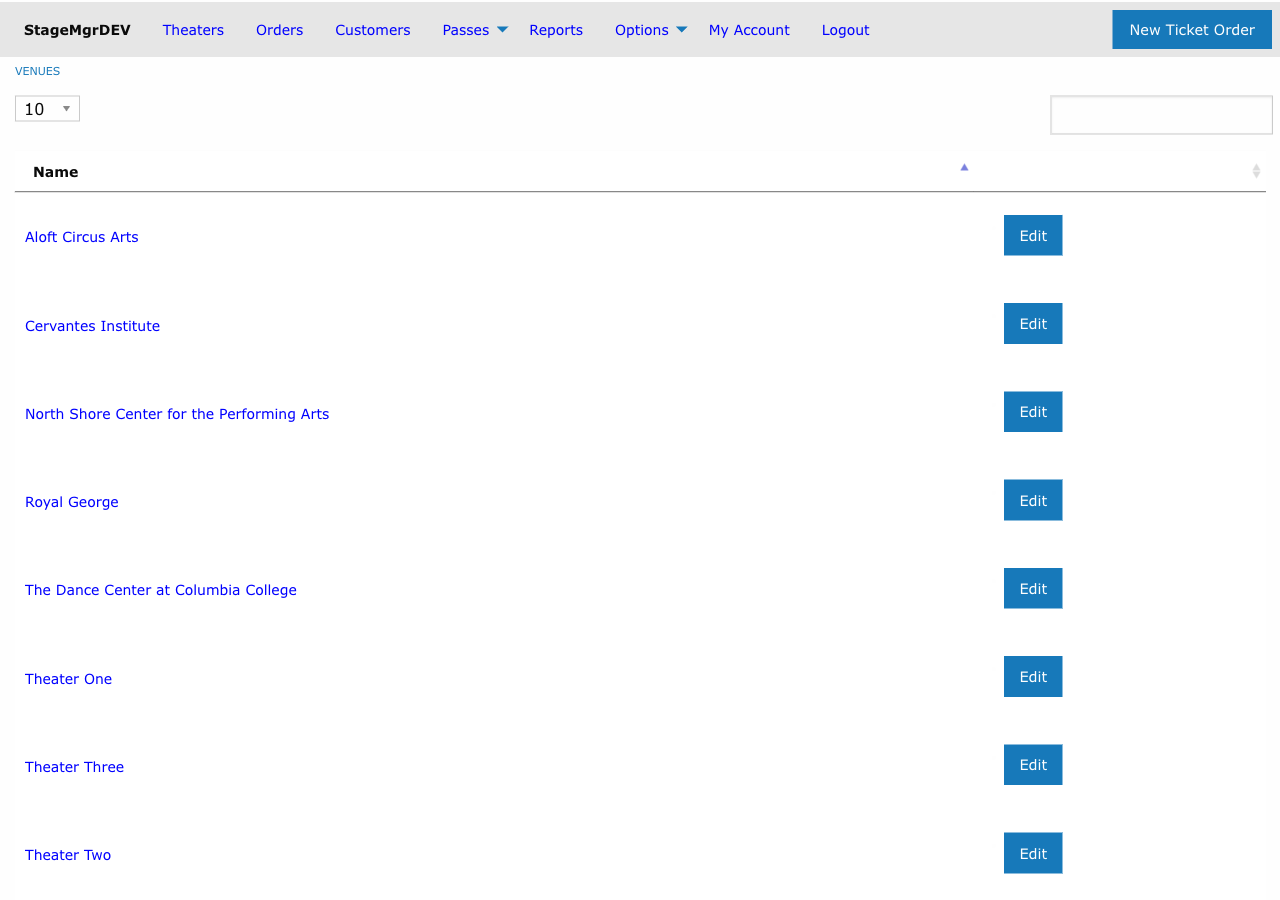
- Go to Options > Venues
- Click New Venue
- Fill in the fields:
| Field | Required | Description |
|---|---|---|
| Name | Yes | The venue name as it will appear in production setup and on the public website |
| Ordinal Sort | Yes | A number controlling the display order of venues in dropdown menus and lists. Lower numbers appear first. |
- Click Create Venue
Venue and Seat Maps
Each venue can have one or more seat maps associated with it. Seat maps define the seating layout for reserved-seating productions. When you create a production and assign it to a venue, you can then select one of that venue's seat maps.
A venue without any seat maps can still host general admission productions -- the production's capacity is set manually in that case.
See Seat Maps for instructions on creating seat maps.
Editing and Deleting Venues
From the Options > Venues list, use the Edit link to modify a venue's name or sort order. Use Destroy to remove a venue.
Warning
Deleting a venue will fail if any productions are currently assigned to it. Reassign or delete those productions first.